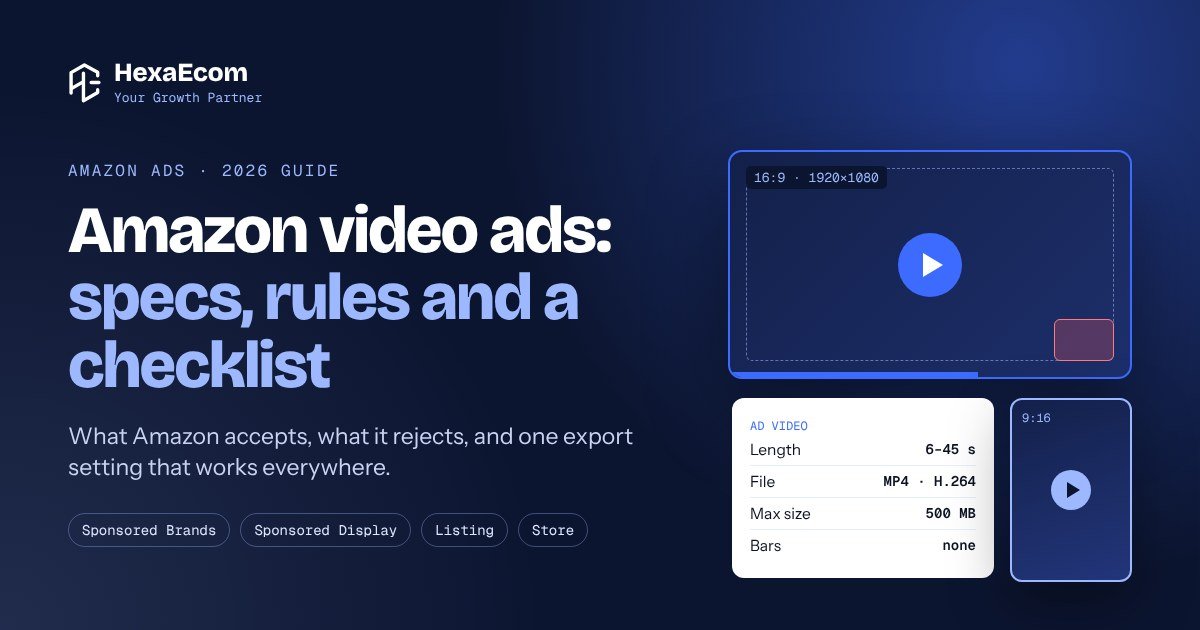
Video is one of the best ways to stand out on a busy Amazon search page. But many brand videos never run. Amazon rejects them for small things: a black bar, a price on screen, a word like “best”.
This guide is the checklist our team gives video editors before a shoot. It covers the specs, the rules and the cuts you need for each place your video can show.
The 4 places your video can run on Amazon
| Placement | Where shoppers see it | Length we aim for |
|---|---|---|
| Listing video | On the product page, with your images and in the videos section | 60 to 120 s |
| Sponsored Brands video | In search results and on product pages. Plays muted on its own | 15 to 30 s |
| Sponsored Display video | On Amazon and on other apps and sites. Often shown small | 15 to 30 s |
| Brand Store video | In your Store: a video tile, or a silent background loop | Tile: any. Loop: a few seconds |
Sponsored Brands ads need Brand Registry. Sponsored Display video is for brands that sell in the Amazon store.
Amazon Posts is gone. Amazon stopped new Posts in June 2025 and closed the program in July 2025. Don’t plan content for it.
Shoot once, cut five videos
You don’t need five shoots. Film one session in 16:9 with wide framing, then cut these from it:
- Listing video: 60 to 120 seconds, 16:9
- Sponsored Brands cut: 15 to 30 seconds, 16:9
- Sponsored Display cut: 15 to 30 seconds, 16:9 (it can reuse the Sponsored Brands cut)
- Store video tile: 16:9, plus a cover image
- Store background loop: a short silent clip that loops cleanly
Shoot tip: keep the product in the middle with space on both sides. Then you can crop the same footage to a vertical 9:16 cut later without cutting off the product.
Sponsored Brands and Sponsored Display video specs
| Spec | Sponsored Brands video | Sponsored Display video |
|---|---|---|
| Length | 6 to 45 seconds | 6 to 45 seconds |
| Aspect ratio | 16:9 | 16:9 |
| Size | 1280×720, 1920×1080 or 3840×2160 | 1920×1080 or higher |
| Max file size | 500 MB | 500 MB |
| File | MP4 or MOV, H.264 or H.265, Main or Baseline profile | H.264, MPEG-2 or MPEG-4 |
| Frame rate | 23.976, 23.98, 24, 25, 29.97, 29.98 or 30 fps | 23.976, 24, 25 or 29.97 fps |
| Video bit rate | At least 1 Mbps (4 Mbps or more recommended) | At least 1 Mbps |
| Audio | PCM, AAC or MP3, 44.1 kHz or more, 96 kbps or more | PCM or AAC |
Amazon changes these from time to time. Check the spec pages linked at the end before each new batch.
Listing and Store video basics
- Listing video: upload in Seller Central under Catalog, Upload and Manage Videos. MP4 or MOV, up to 5 GB. Use 1080p. Amazon allows long videos, but 60 to 120 seconds keeps people watching.
- Store video tile: the shopper presses play, so it needs a cover image. Check the sizes in the Store builder for the tile you pick.
- Store background video: plays on its own, silent, and loops. No cover image. Keep it short and make the loop seamless.
One export setting that works everywhere
Give your editor one preset. It passes every placement above:
| Setting | Value | Why |
|---|---|---|
| Size | 1920 x 1080, 16:9, progressive | Works for every placement |
| File | MP4, H.264, Main profile | Sponsored Brands lists only Main or Baseline |
| Frame rate | Same as the shoot (23.976, 25 or 29.97) | No stutter from frame rate changes |
| Bit rate | 10 to 15 Mbps | Sharp, and well above every minimum |
| Audio | AAC, 48 kHz, stereo, 192 kbps | Clears every audio rule |
| File size | Under 500 MB | The cap for ads |
Watch out: many editing apps export H.264 in High profile by default. Switch it to Main before you export an ad.
Fill the frame: no bars of any kind
Amazon rejects videos with black, coloured or blurred bars on any side. If you filmed vertical on a phone, reframe it to 16:9. Never pad it with bars.
When you crop, never cut off the product or any on-screen text.
Make it work with the sound off
Sponsored Brands videos play muted until the shopper taps them. So the video must make sense without sound.
- Burn in captions for every spoken line.
- Use big, bold text. Our rule is at least 50 pt at 1080p, so it reads on a phone.
- Use strong contrast. No white text on light grey.
- Keep each line on screen long enough to read twice.
- Keep text and your logo away from the edges and corners, where the player buttons sit.
How to build a 15 to 30 second ad
| Time | What to show |
|---|---|
| 0 to 2 s | The product, right away. Never open on a black or empty frame |
| 2 to 5 s | The main benefit, in a few words on screen |
| 5 to 22 s | The product in use, close-ups, colours or sizes, key details |
| 22 to 27 s | A second benefit or a use idea |
| 27 to 30 s | End card: logo and a short call to action. End on a picture, not black |
Keep the call to action calm and short, like “Learn more” or “See details”. Skip exclamation marks and pushy lines.
How to build a 60 to 120 second listing video
- Hero shot: the product on screen from the first second.
- The problem it solves: show it, don’t just say it.
- How it works: the product in real use.
- Details: close-ups of materials, parts and finish.
- Sizes and colours: names that match your listing variations.
- What’s in the box: so there are no surprises.
- End card: your logo. No website, no social handles.
Listing videos must be in the language of the marketplace, so English on Amazon US.
What Amazon accepts and what it rejects
Accepted
- The product exactly as sold, matching the listing
- Real use, close-ups and lifestyle scenes
- Claims worded the same as your product page, with proof on file
- Text and voice in the marketplace language
- People of different ages, body types and backgrounds
- Your registered logo on the end card
- Sentence case text with correct spelling
Rejected
- Prices, discounts, “deal”, “sale” or time-limited offers
- Customer reviews or star ratings, even real Amazon ones
- Amazon logos, the Prime badge or any Amazon reference
- Competitor names, “better than”, or “best” and “#1” without proof
- Website links, social handles, QR codes or “visit our website”
- Urgency like “hurry”, “last chance” or “don’t miss out”
- Flashing, strobing, jarring cuts or sudden volume jumps
- Black frames at the start or end, bars, or blurry footage
Claims: a simple traffic light
| Light | What it means | Examples |
|---|---|---|
| Green: safe | The same words are already on your product page | Material, size, what’s included, features from your spec sheet |
| Amber: proof first | Needs a test report or certificate, plus the same words on the product page | “Softer”, “lasts longer”, “eco-friendly”, certified materials |
| Red: never | Amazon or the law won’t allow it | “Made in USA” when it isn’t, “#1”, “best”, website offers and discount codes |
Save the proof for every claim in a shared folder before the video goes live. Amazon can ask for it at any time.
Selling in more than one country?
You can use one shoot for several marketplaces. But make a separate export when the on-screen text changes:
- Spelling: US English (color, gray) or UK and Australian English (colour, grey).
- Units: inches and pounds for the US, centimetres and kilograms for most other countries.
- Claims law: each country has its own rules for green claims and “made in” claims, such as the FTC in the US and the ACCC in Australia.
- Names: sizes and colours must match that country’s listing.
A video with no on-screen text can serve every marketplace.
Checklist before you upload
Technical
- 16:9, full frame, no bars
- 1920×1080, H.264 Main profile, under 500 MB for ads
- Ads between 6 and 45 seconds, with a clean ending
- First and last frame show a picture, not black
- No clipping, crackle or sudden volume jumps
- Text and logo clear of the edges and corners
Content
- Product on screen in the first 2 seconds, main benefit by 5 seconds
- Every claim matches the product page, with proof on file
- No price, deal, review, stars, Amazon logo, website, QR code or competitor
- Captions spelled right, in sentence case
- Colour and size names match the listing
- Logo end card with a short call to action (ads only)
Tip: upload ad videos at least a week before launch. That leaves time for Amazon’s review and a fix if a video is rejected.
Name your files so nothing gets mixed up
One simple pattern for every file: BRAND_US_SBV_STYLECODE_16x9_20s_v02.mp4
- Marketplace: US, UK, AU and so on
- Placement: LV listing video, SBV Sponsored Brands, SDV Sponsored Display, STV Store video tile, STBG Store background loop
- Ratio, length and version at the end
Keep the folders in order too: Raw, Master, Exports by country, Approved.
Getting the most from video in your PPC
- Start Sponsored Brands video on the keywords that already sell well for you.
- Run it next to your other Sponsored Brands ads and compare click rate, conversion rate and ACoS.
- Test a new opening or a new first benefit before you change anything else.
- Keep listing videos up to date when the product or packaging changes.
Final thoughts
Most video rejections are easy to avoid. Fill the frame, make it work with the sound off, keep claims the same as your product page, and leave out prices, reviews and links.
Rules change, so check Amazon’s spec pages before every new batch.
At HexaEcom, Amazon private label brands are our core work. We plan video with our listings and creative team and run it inside your Amazon PPC.
Want a second pair of eyes on your ads? Get a free store audit or book a free call with the HexaEcom team.